CRAFTING
| Connect | Connect |
| Server IP |
172.240.53.57:2050
|
| Bedrock |
|
| Website | mincraftdex.com |
| Discord | Discord 0 |
| Status | |
| Players | |
| Current Map | 0 |
| Last Ping | |
| Version | 1.21.11 |
| Type | Survival |
| Location | |
| Share |
|
| Rank | 4310 |
| Score | 0 |
| Last Update | 23 Apr 2026 |
| Join Date | 20 Jan 2026 |



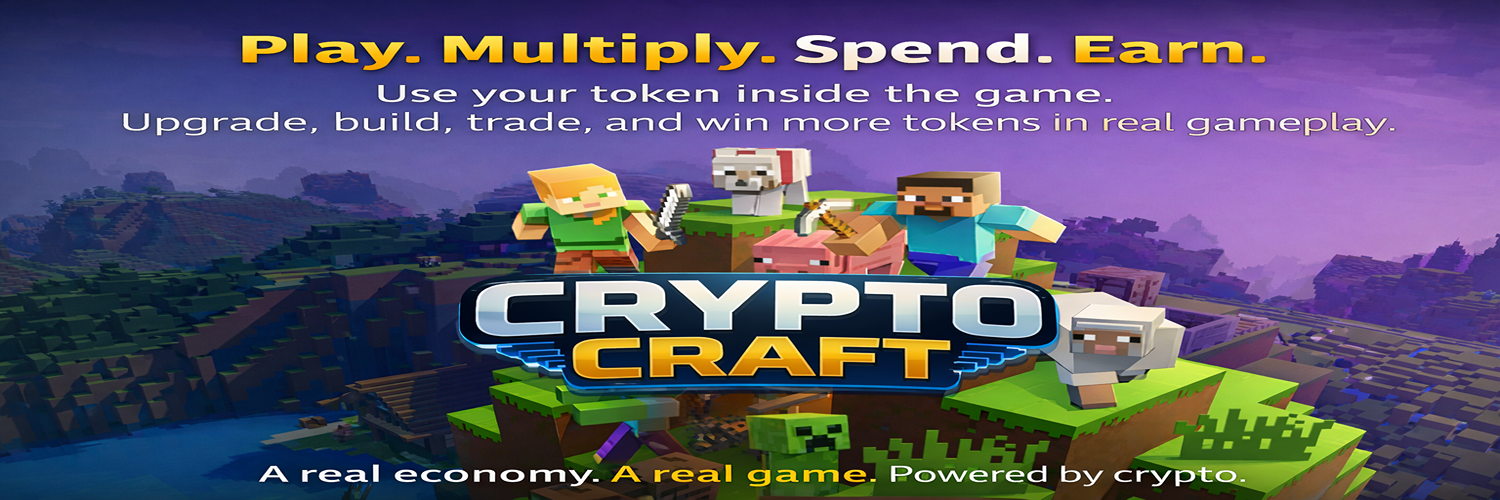
CryptoCraft – The First On-Chain Minecraft World
Welcome to a new era of Minecraft.
CryptoCraft is not just another server – it’s a fully integrated on-chain gaming world where your in-game actions connect with real blockchain technology. Every achievement, every reward, every purchase is transparent, player-controlled, and verifiable.
Here, you truly own what you earn.
What makes CryptoCraft unique:
Play Minecraft and earn real on-chain tokens
Achievements are connected to blockchain rewards
No hidden spending – every transaction is confirmed by YOU
Wallet-based system (no private keys stored on the server)
Player-to-player economy
Shops, casino, quests, items – all powered by CryptoCraft token
Fair, transparent, and future-proof system
How it works:
You play Minecraft as usual.
When you complete achievements, quests, or win games, you earn CryptoCraft tokens.
When you buy items or use special features, your wallet confirms the action – nothing happens without your approval.
This is Play-to-Own, not just Play-to-Earn.
CryptoCraft is built for:
Builders
PvP players
Adventurers
Traders
Crypto enthusiasts
Anyone who wants to be part of something truly new
Join the first generation of players inside a living, on-chain Minecraft universe.
Enter CryptoCraft. Play. Earn. Own.