BLITHE
| Connect | Connect |
| Server IP |
Play.BlitheMC.com
|
| Bedrock |
|
| Website | blithemc.com |
| Discord | Discord |
| Status | Online |
| Players | 0/500 |
| Current Map | 0 |
| Last Ping | 17 minutes 18 seconds ago |
| Version | 1.21.11 |
| Type | Survival Creative lastlife Whitelist Hermitcraft Semivanilla Semi Vanilla Vanilla Vanilla Survival Adult |
| Location | Germany |
| Share |
|
| Rank | 729 |
| Score | 8 |
| Last Update | 02 Apr 2026 |
| Join Date | 30 Sep 2022 |


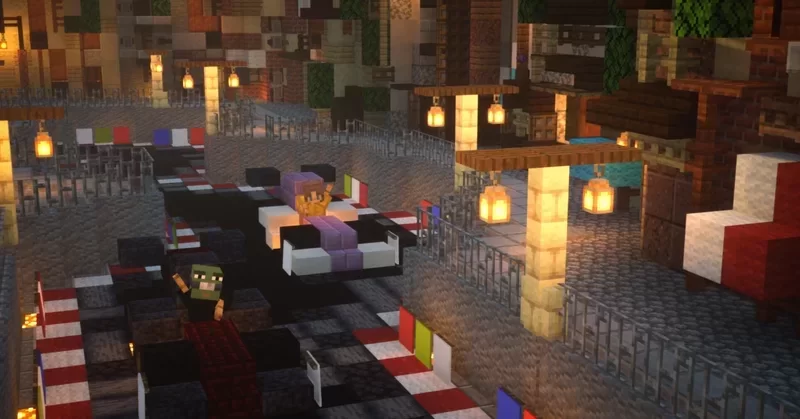
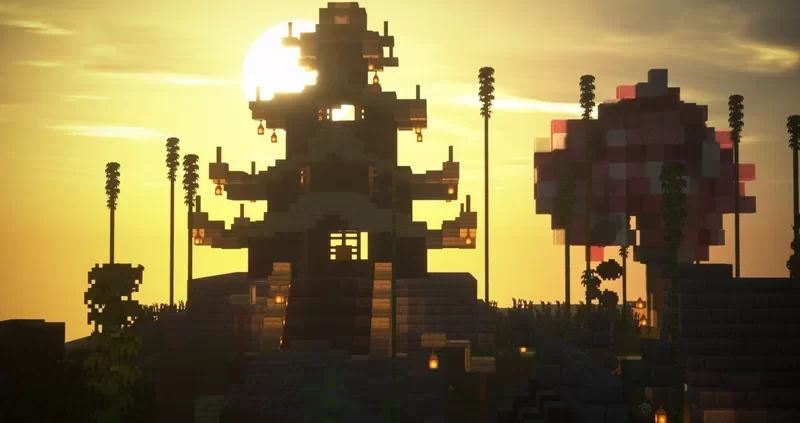
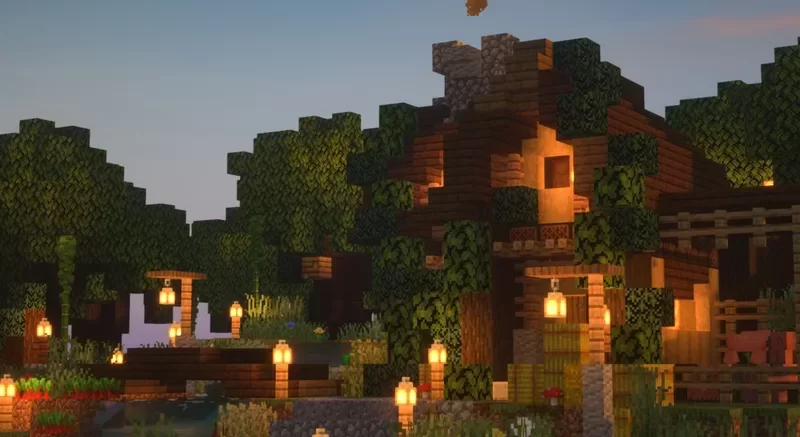
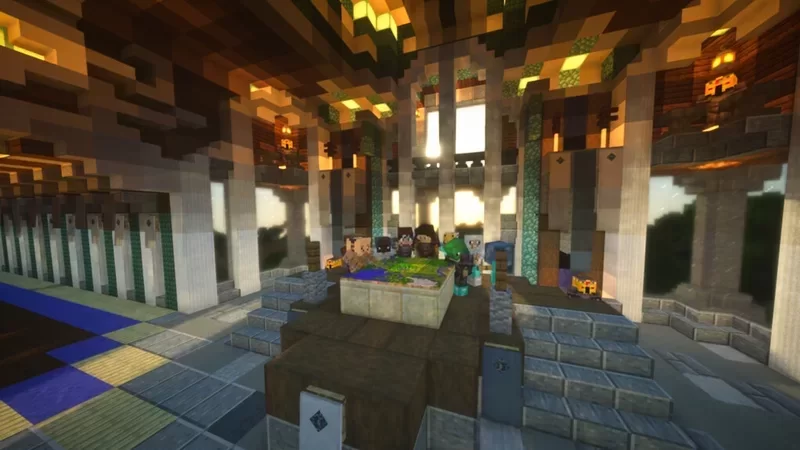
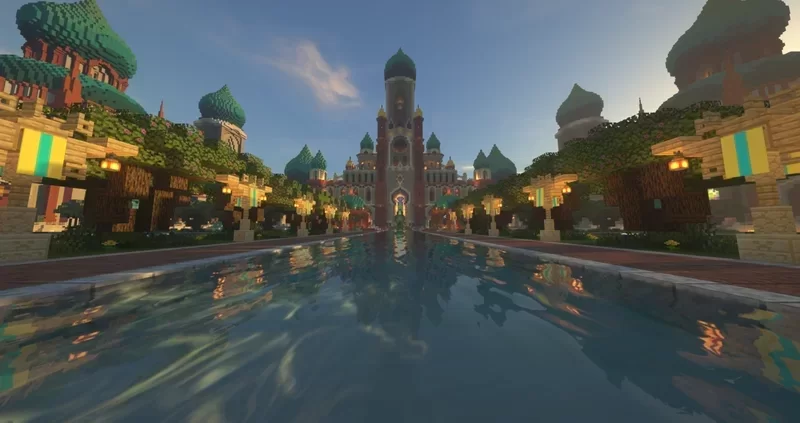
We are a Whitelisted semi-vanilla survival server enhanced with; an armor-stand editor, proximity chat, mini-blocks, and other plugins that give players the closest gameplay experiences to that of Hermitcraft. Most other plugins used are for moderation and lag efficiency like Core Protect which helps keep our community a safe and friendly place this means there are no plugins that drastically alter the vanilla experience such as; /landclaim, /sethome, or /tpask /tpahere.
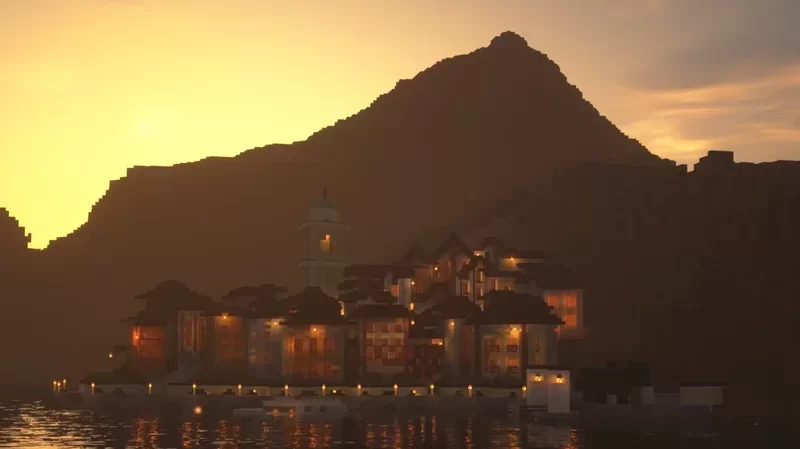
We also have a creative test Server! Here at Blithe, we encourage creativity; mega-bases, player shops, minigames, group builds, redstone projects, cityscapes, or anything else. If you can dream it we want to see it!
Join Today!
Hermitcraft like server